
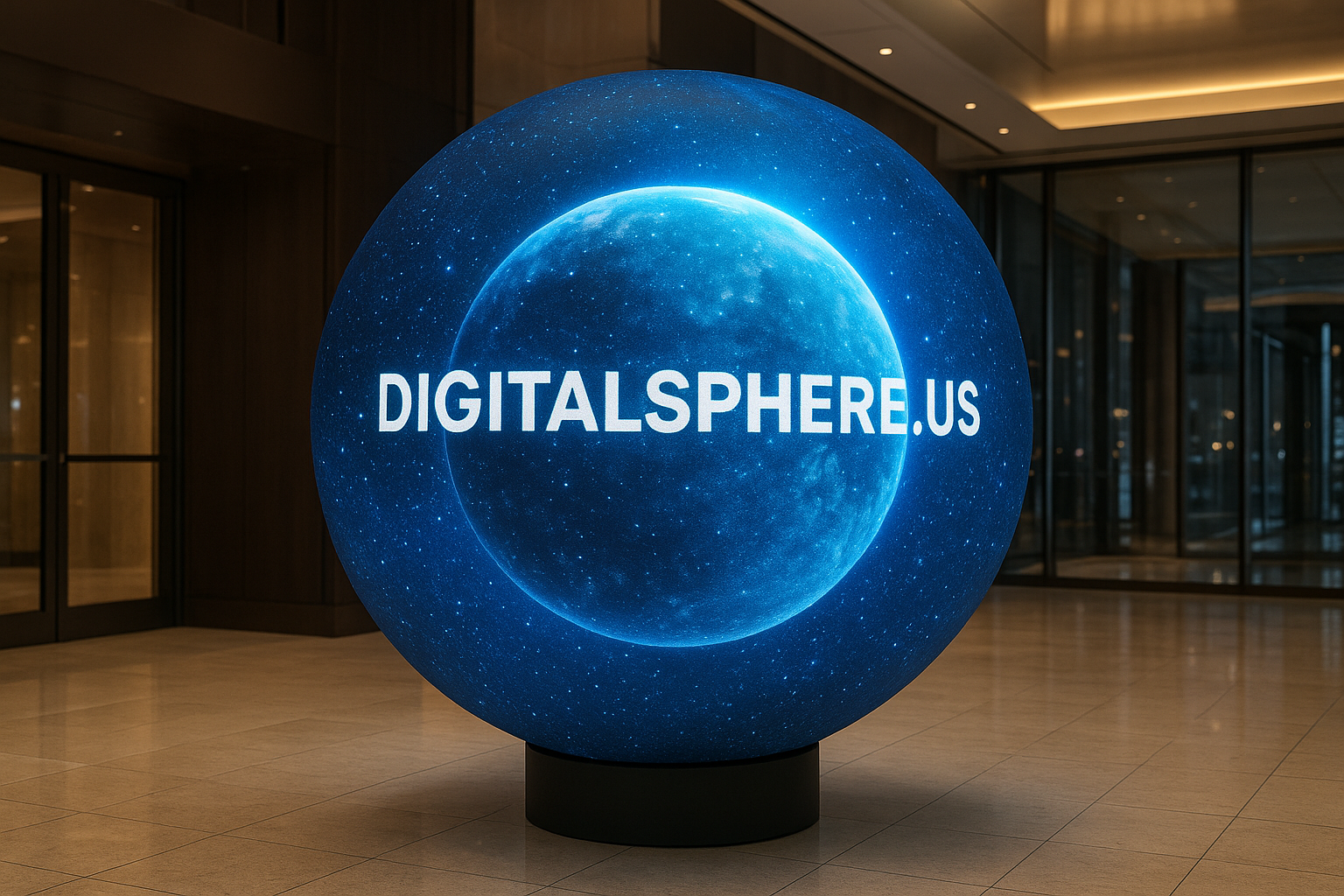
Digital Sphere Content Mistakes to Avoid: Essential Tips for Impactful Immersive Displays
Immersive visualization technologies such as digital spheres, LED spheres, and interactive educational globes are revolutionizing how information is displayed and experienced in educational, commercial, and event environments. However, despite their transformative potential, it’s easy to fall into common pitfalls that can undermine the impact of your spherical displays. In this guide, we’ll explore the top digital sphere content mistakes to avoid so you can make the most of your investment and ensure that your content truly shines.
Why the Right Content Matters on Digital Spheres
Crafting compelling, clear, and visually engaging content for digital spheres is very different from creating content for traditional flat screens. Because of their unique geometry, spherical displays like those customized by DigitalSphere.us offer endless creative possibilities — but they also come with their own set of challenges.
Digital Sphere Content Mistakes to Avoid
Understanding these common pitfalls will empower you to create high-impact content that dazzles your audience and strengthens your brand.
1. Treating the Sphere Like a Flat Display
One of the biggest digital sphere content mistakes to avoid is designing your content as though you are working with a regular flat screen. Spheres offer a 360-degree viewing experience, which requires completely different composition and spatial awareness. Flat assets often become distorted or unreadable on a sphere, so always preview your content on a spherical simulator or with your actual hardware before finalizing.
2. Overcrowding with Text and Data
Data-driven visuals are powerful on digital spheres, but too much text or too many data points can quickly overwhelm viewers. Remember:
- Limit on-screen text.
- Favor bold headlines and short labels.
- Rely on visual storytelling, icons, and engaging motion graphics.
Especially in educational spheres or museum contexts, concise messaging is far more effective than a wall of text.
3. Ignoring Sightlines and Viewing Angles
The beauty of LED spheres is their all-around visibility, but viewers will approach from all directions. Avoid placing key information in a way that’s only visible from one fixed spot. Instead, space out important content elements or repeat them around the sphere’s meridian, ensuring everyone has access to the essential message.
4. Neglecting Content Resolution and Quality
Low-resolution graphics or poorly rendered videos break the immersive experience. Ensure visuals are:
- High-resolution and optimized for curved surfaces.
- Color-calibrated for the LED sphere’s brightness and lighting.
- Designed specifically for spherical playback, not just repurposed from other formats.
Top providers like DigitalSphere.us offer content consultation to guarantee your assets look their best on every display.
5. Failing to Use Interactivity Wisely
Interactive sphere displays can captivate audiences, but overly complex or counterintuitive UI deters engagement. When integrating touch, gesture, or sensor-based interactivity, ensure controls are simple, intuitive, and engaging rather than complicated or easily triggered accidentally.
Expert Tips for Successful Spherical Content
Understand Your Audience
Are you designing for students, museum visitors, or corporate clients? Tailor your messaging, visual style, and level of interactivity to suit the audience and environment.
Leverage Motion Graphics and Animation
Spheres are perfect for dynamic visual storytelling. Animated transitions, rotating globes, and moving data points help draw attention and make information memorable. For STEM learning, real-time Earth visualization or planetary models can provide an unforgettable experience.
Test and Iterate Content
Always test content on the actual sphere display—or with a 3D simulator—before your event or installation goes live. Iterative testing helps to identify issues with distortion, color, placement, or unintended visual distractions.
Integrate Branding Subtly
Whether launching a product at a trade show or educating students in a STEM lab, incorporate your logo or branding into the content in ways that complement the viewer’s experience. Overly large logos or intrusive branding distract from the main message.
Avoiding Mistakes in Educational Spheres and Event Rentals
Event Rental Spheres: Fast Setup, Lasting Impact
When using rental spheres at corporate events or trade shows, time is of the essence. Prepare your sphere content in advance, and confirm compatibility with the rental hardware’s specs. Test playback, resolution, and presentation transitions to guarantee flawless performance.
Educational Spheres: Prioritize Engagement and Clarity
Interactive educational spheres are amazing STEM teaching tools. Avoid using complex data visualizations or dense lesson material that isn’t easily grasped at a glance. Engage students through vibrant animations, interactive activities, and real-world context relevant to their curriculum. Leverage the immersive potential to deepen learning and spark curiosity.
Useful Resources and References
Creating world-class spherical content can be challenging, but there are leading resources and technology partners to help. SSiDisplays.com offers valuable custom solutions and inspiration for digital sphere deployments, while DigitalSphere.us provides end-to-end support for designing, building, and deploying your immersive visualization experience.
FAQ – Digital Sphere Content Best Practices
What file formats work best for LED sphere content?
It depends on the system. Video files in MP4 (H.264), image sequences (PNG or JPEG), and interactive HTML5 packages are commonly supported by most modern digital spheres such as those at DigitalSphere.us. Always check your device’s specifications.
How can I avoid distortion on my digital sphere?
Design your content using tools that allow a spherical preview, and use spherical projection templates where possible. Avoid key messaging near the sphere’s poles where content tends to pinch or stretch.
Is it possible to make my digital sphere content interactive?
Yes! Many digital spheres offer advanced touch, gesture, or remote control options for interactivity. Collaboration with experienced designers ensures smooth and user-friendly interfaces tailored to your needs.
Can I rent a digital sphere for my event?
Absolutely. Rental spheres are available for temporary installations, trade shows, and special events. Ensure your content is compatible with the hardware provided—DigitalSphere.us’s event rental spheres include consultation for setup and content adaptation.
Conclusion: Make Your Spherical Display Content Stand Out
The unique power of digital spheres lies in their ability to captivate and educate through immersive, 360-degree visuals. By avoiding the most common digital sphere content mistakes—from using flat designs and overcrowding data, to ignoring viewing angles or skipping quality checks—you unlock the full potential of your investment. Let your message shine in the most engaging way possible with expertly crafted, adaptive, and audience-focused content.
Ready to make an unforgettable impression? Contact DigitalSphere.us today to learn more about our custom digital sphere displays, LED spheres, interactive educational spheres, and immersive visualization solutions tailored for your next project or event!
