
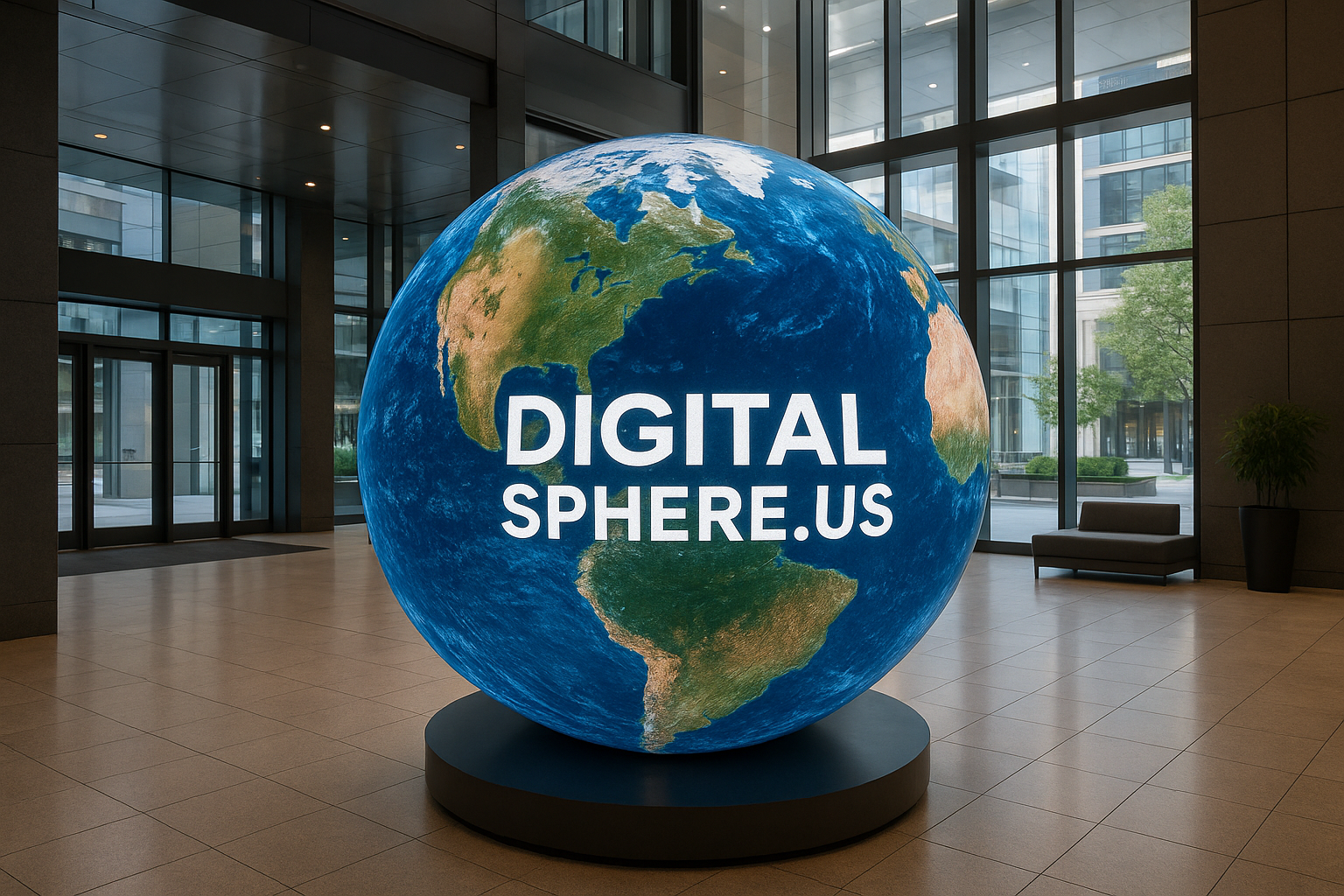
Digital Sphere Software Options: Choosing the Best Platform for Immersive Visualization
In a world where technology and visualization combine to create unforgettable experiences, the right Digital Sphere Software Options are essential for unlocking the full potential of LED spheres and interactive sphere displays. At DigitalSphere.us, we understand that effective software is the cornerstone of engaging education, immersive data representation, and unforgettable event displays. But with the variety of available platforms, selecting the best option for your digital sphere shouldn’t be left to chance. This comprehensive guide explores feature-rich software choices for digital spheres—whether your focus is education, interactivity, or commercial installations.
Why Digital Sphere Software Matters
Digital spheres and LED spheres have revolutionized how audiences engage with information, art, and data. However, it’s the software running behind the scenes that transforms a spherical display from a simple screen into a dynamic, interactive platform. The right software enables everything from real-time data visualization for museums, educational content for STEM programs, to interactive presentations for corporate events. At DigitalSphere.us, we ensure our hardware solutions are backed by powerful and flexible software that brings your vision to life.
Top Digital Sphere Software Options
Let’s examine the leading software solutions in today’s market. Each caters to unique needs, ranging from educational applications to high-end commercial installations:
1. SOS (Science On a Sphere®)
Originally developed by NOAA, Science On a Sphere (SOS) is a robust platform designed for educational and museum use. It allows users to project planetary datasets, weather patterns, and more onto a sphere. It’s widely used in science centers and public venues because of its stability and the expansive global dataset library.
- Best For: Educational spheres, Earth and planetary science visualization
- Features: Dynamic dataset support, real-time streaming, customizable content
- Integrations: Supported on many commercial LED spheres, including those offered via DigitalSphere.us
- Learn more: SSI Displays Digital Globe
2. TouchDesigner
Popular in the events, art installations, and creative industries, TouchDesigner is an interactive visual development platform that enables custom, real-time experiences on non-traditional displays—including LED spheres. With modular capabilities and a supportive creative community, it excels at interactive, touch-enabled exhibits, live performances, and brand activations.
- Best For: Interactive events, museum experiences, creative installations
- Features: Drag-and-drop interface, live data feeds, multi-user interactivity
- Integration: Can be seamlessly adapted for use with DigitalSphere.us interactive spheres
3. Omnisphere Software Suite
Tailored specifically for spherical displays, the Omnisphere platform offers versatile content management, remote operation, and high-resolution video playback. Omnisphere is ideal for venues needing reliable scheduling and easy remote control—perfect for corporate lobbies, planetariums, and public installations.
- Best For: Permanent museum displays, corporate digital spheres, STEM learning
- Features: Remote content updates, scheduling, built-in playlist management
4. Unity 3D
For organizations needing true customizability, the Unity game engine provides a flexible foundation to build interactive and animated visualizations for spherical LED displays. From replicating planetary motion for Earth spheres to creating educational simulations and immersive media, Unity’s versatility unlocks limitless possibilities.
- Best For: Highly interactive, customized educational or scientific simulations
- Features: Advanced 3D graphics, sensor integration, touch and gesture recognition
5. Proprietary Digital Sphere Software
Leading digital sphere manufacturers, including DigitalSphere.us, often provide proprietary software tailored to their hardware. These platforms usually offer intuitive user interfaces, seamless content upload, robust troubleshooting, and integration with a range of educational or corporate content.
- Best For: Turnkey solutions, low-maintenance deployments, branded displays
- Features: Plug-and-play installation, error reporting, customer support
Core Features to Consider When Choosing Digital Sphere Software Options
- Content Compatibility: Support for images, video, live data streams, and interactive content.
- Ease of Use: User-friendly interfaces for educators, event staff, or museum curators.
- Remote Management: Ability to update and control content from anywhere.
- Interactivity: Touch, gesture, or sensor-based input capabilities.
- Multi-user Support: Essential for classroom or group learning environments.
- Scalability: Options that grow with your display network, integrating multiple spheres or rooms.
Digital Sphere Software for Education
Interactive spheres breathe new life into STEM learning, turning classrooms and museums into vibrant hubs of scientific curiosity. The right software should support rich educational content—like animated weather systems, tectonic plate movement, or global biodiversity.
For instance, SSI Displays provides digital globe and sphere platforms compatible with a wide range of educational data. Many systems, including those from DigitalSphere.us, integrate with existing school network infrastructure for easy lesson planning and management.
- Real-time datasets from NASA, NOAA, and the USGS
- Prepackaged STEM curricula or custom lesson uploads
- Student-driven exploration via touch or tablet controls
Rental and Event Applications
For event planners and marketers, rental LED spheres offer a crowd-stopping centerpiece. Here, ease of setup and flexible content control are the most critical software considerations. Look for:
- Quick-start guides and plug-and-play software
- Cloud-based media uploads for last-minute content changes
- Remote diagnostics and support from partners like DigitalSphere.us
Immersive Visualization for Museums and Corporate Spaces
In museums and public installations, digital spheres powered by advanced software foster exploration, creativity, and engagement. Real-time content scheduling, interactive show modes, and remote management tools allow staff to easily update exhibits to keep the public coming back.
For corporate lobbies, custom branding, live metadata feeds, and multi-zone display capabilities help your digital sphere serve as both an artistic highlight and an information gateway—all powered by robust platform integration.
Frequently Asked Questions About Digital Sphere Software Options
- Q1: How difficult is it to update content on a digital sphere?
- Most modern digital sphere software platforms feature user-friendly web or app interfaces, making uploads and scheduling simple even for non-technical users. Some proprietary systems allow for live or scheduled content updates from anywhere in the world.
- Q2: Can I display real-time data such as social media feeds or environmental sensors?
- Yes! Many platforms, such as TouchDesigner and Unity, support real-time data integration for live feeds, weather updates, or even IoT sensor information on the sphere’s surface.
- Q3: Are digital sphere displays suitable for touch or interactive use?
- Absolutely. Interactive sphere displays from providers like DigitalSphere.us can be integrated with multi-touch technology and gesture recognition for hands-on experiences—ideal for education or branded events.
- Q4: What’s the difference between open-source, commercial, and proprietary sphere software?
- Open-source solutions allow extensive customization for skilled users. Commercial software typically offers polished features and support for a fee. Proprietary software, often supplied by your sphere vendor, is optimized for specific hardware, ensuring seamless integration and support.
Conclusion: Selecting the Best Digital Sphere Software Options
The success of your spherical display—whether for a museum, classroom, corporate venue, or event—relies heavily on choosing software that aligns with your vision and workflow. When you partner with DigitalSphere.us, you gain access not just to cutting-edge hardware, but to a team dedicated to matching your needs with the most effective, scalable software solutions. From interactive educational spheres to custom-branded rental displays, we help you unlock the maximum potential of your digital sphere investment.
Ready to Elevate Your Visualization Experience?
If you’re planning a new installation, searching for the right immersive experience, or want to streamline content management for your current digital sphere, contact the experts at DigitalSphere.us today. We’ll recommend the ideal digital sphere software options for your goals—backed by comprehensive support, integration, and expert guidance every step of the way. Unlock the future of visualization with DigitalSphere.us!
