Category: Uncategorized

  • Digital Sphere Maintenance Guide: Best Practices for Longevity and Performance

    Digital Sphere Maintenance Guide: Best Practices for Longevity and Performance

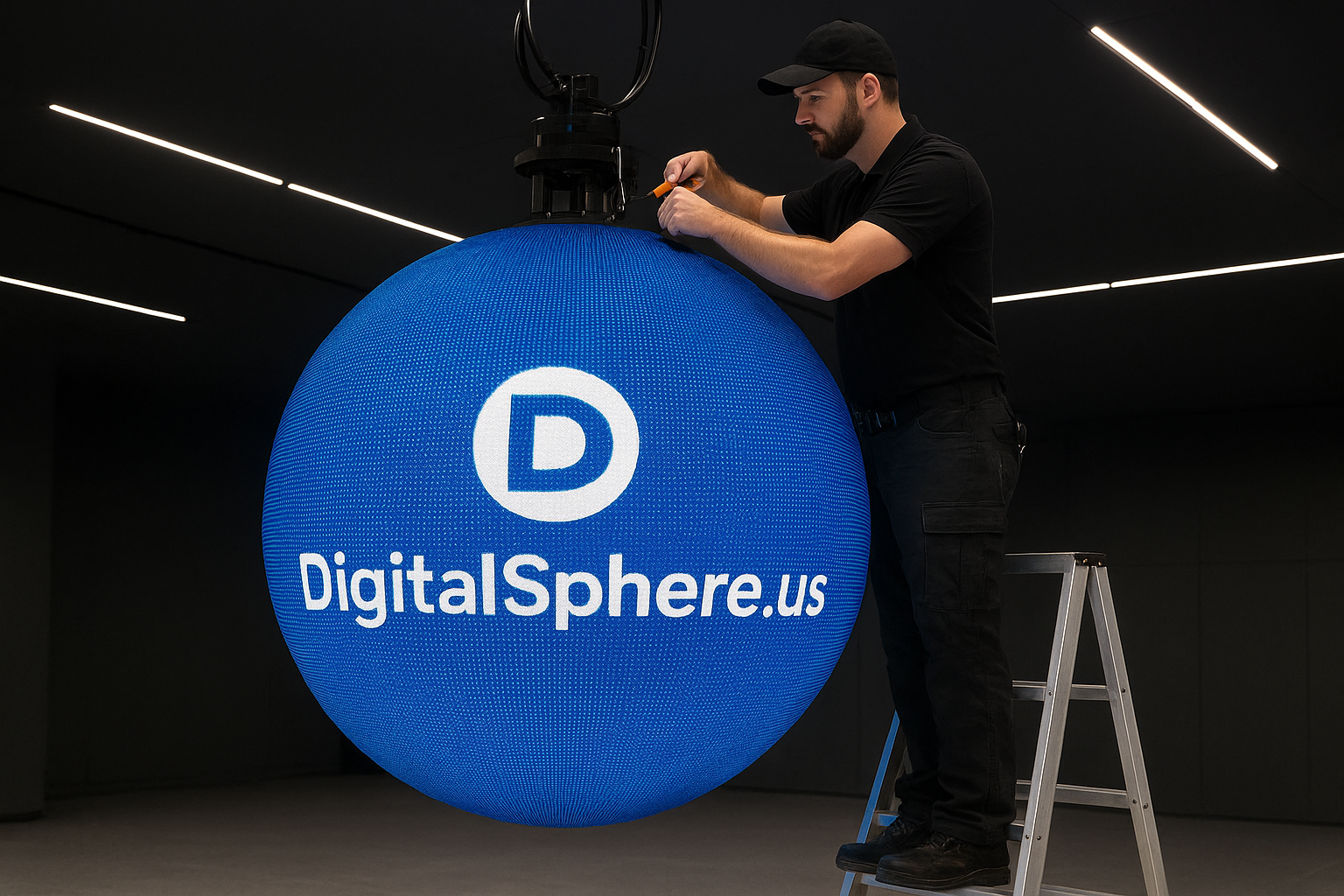
    Technician performing maintenance on a DigitalSphere.us branded LED sphere in a modern installation

    Digital Sphere Maintenance Guide: Best Practices for Longevity and Performance

    Digital spheres, LED spheres, and interactive sphere displays have transformed the way we present information, educate, and entertain. However, to ensure these powerful visualization tools from DigitalSphere.us perform flawlessly and remain a visual centerpiece for years to come, a strategic maintenance approach is critical. In this Digital Sphere Maintenance Guide, we walk you through essential best practices, troubleshooting tips, and proactive procedures to keep your sphere displays at their peak performance.

    Why Regular Digital Sphere Maintenance Is Essential

    Like any advanced technology, digital spheres, whether used in educational displays, museums, or interactive environments, require periodic care. Prompt and consistent maintenance guarantees:

    • Optimal image and video quality
    • Extended equipment lifespan
    • Improved interactive reliability
    • Enhanced safety and uptime
    • Sustained return on investment (ROI)

    By adhering to a robust Digital Sphere Maintenance Guide, you safeguard your investment and create lasting, immersive experiences for your audience.

    Understanding Leading Digital Sphere Solutions

    Today’s digital spheres are engineered with sophisticated LED panels, powerful rendering hardware, and intuitive interactive systems. DigitalSphere.us provides custom solutions for Earth spheres, STEM learning spheres, event rental spheres, and museum displays—each requiring specific care to maintain performance, especially in high-traffic or demanding environments. For more on digital sphere innovations, see SSiDisplays.com.

    Core Components Needing Routine Inspection

    • LED Modules & Panels: Check for pixel irregularities, dust, and secure mounting.
    • Internal Cooling Systems: Inspect fans and ventilation to ensure efficient heat dissipation.
    • Power Supply Units: Test for voltage stability and check for wear or damage to cabling.
    • Control Hardware: Update firmware, check drivers, and validate connections to media servers.
    • Protective Surface Coatings: Clean gently and inspect for scratches or abrasions.
    • Projection or Touch Sensors: Clean optical surfaces, ensure calibration, and test interactivity.

    Step-By-Step Digital Sphere Maintenance Guide

    1. Visual and Physical Inspection

    Start with a thorough visual inspection of the sphere. Look for loose panels, abnormal pixel behavior, smudges, or signs of impact. Inspect mounting brackets and supports—especially if your display is suspended or freestanding in a public space. Safety first: always power down the unit before performing hands-on checks.

    2. Cleaning Procedures for LED and Digital Spheres

    Accumulated dust and fingerprints dull image clarity. Use a soft, non-abrasive microfiber cloth and, if necessary, a screen-safe solution. Never apply liquid directly onto the sphere panel—instead, dampen the cloth slightly and wipe gently. For stubborn stains, check manufacturer guidelines from DigitalSphere.us or reach out for cleaning kit recommendations.

    3. Testing and Calibrating Display Systems

    Periodically run diagnostic images and videos to check for color uniformity, brightness, and resolution issues. For interactive spheres, such as those used in STEM education, recalibrate touch or gesture sensors regularly. Ensure any connected peripherals and networks function as intended.

    4. Software & Firmware Updates

    Like all modern AV systems, keeping software and firmware up to date is crucial. This not only enhances new features but also improves security and compatibility. Schedule regular updates and back up all important content and configurations beforehand.

    5. Environmental Control Strategies

    Digital spheres thrive in controlled environments. Maintain optimal temperature and humidity, minimize exposure to direct sunlight, and ensure adequate airflow. Avoid installing spheres near HVAC vents, open windows, or environments with high particulate matter.

    Troubleshooting Common Issues: Digital Sphere Maintenance Guide

    Pixel Outages or Discolorations

    If you notice dead pixels, flickering, or color inconsistencies, isolate the affected LED module and reseat connectors. In persistent cases, a replacement module may be required. Contact DigitalSphere.us support for spare parts and technical guidance.

    Connection or Sync Failures

    Lost content sync or control issues often relate to loose network or HDMI cables, outdated drivers, or power fluctuations. Test all data lines, reboot control hardware, and verify that media servers are operating correctly.

    Interactivity Problems

    If gesture or touch response is erratic on interactive spheres, recalibrate the sensors and clean the interface ports. Software maintenance and regular system restarts can also resolve input lag or detection failures.

    Recommended Maintenance Schedule

    Task Frequency
    Visual inspection and cleaning Weekly
    Comprehensive diagnostics Monthly
    Firmware/software updates Quarterly
    Hardware inspection Quarterly
    Professional servicing Annually or as needed

    FAQ: Digital Sphere Maintenance Guide

    How often should I clean my digital sphere?

    For public-facing digital spheres or high-use educational spheres, weekly cleaning is recommended. In lower-traffic environments, monthly cleaning may suffice, but always wipe away visible dust or fingerprints as soon as you notice them.

    Can I perform maintenance myself, or do I need a specialist?

    Basic cleaning and visual inspections can be performed by trained facility staff. For firmware updates, hardware repairs, or electronics maintenance, it is best to consult certified technicians or DigitalSphere.us’s support team.

    Should I turn off the sphere for cleaning and inspection?

    Yes. Always power down and unplug your digital sphere before conducting any physical inspection or cleaning to avoid electrical hazards and ensure your safety.

    What is the expected lifespan of a high-quality LED sphere?

    With regular maintenance and optimal environmental conditions, LED spheres from DigitalSphere.us can operate reliably for 50,000+ hours. Proper care maximizes both visual fidelity and service life.

    Where can I get replacement parts or technical support?

    Spare modules, power components, and technical assistance are available directly through DigitalSphere.us Support or through leading visualization partners like SSiDisplays.com.

    Conclusion: Invest in Digital Sphere Maintenance for Stunning Results

    Digital spheres, LED spheres, and interactive visualization systems are more than just high-tech displays—they are cornerstone investments for future-ready learning, engagement, and immersive storytelling. By following this Digital Sphere Maintenance Guide, you can ensure that your visual centerpiece remains vibrant, reliable, and inspiring long into the future.

    Call to Action

    Ready to maximize the value of your digital sphere installation? Contact DigitalSphere.us today for expert advice, service plans, and the industry’s most advanced spherical visualization solutions. Ensure the lasting brilliance of your immersive displays—your audience will notice the difference.
  • Digital Sphere Installation Guide: Step-by-Step Best Practices for Immersive LED Displays

    Digital Sphere Installation Guide: Step-by-Step Best Practices for Immersive LED Displays

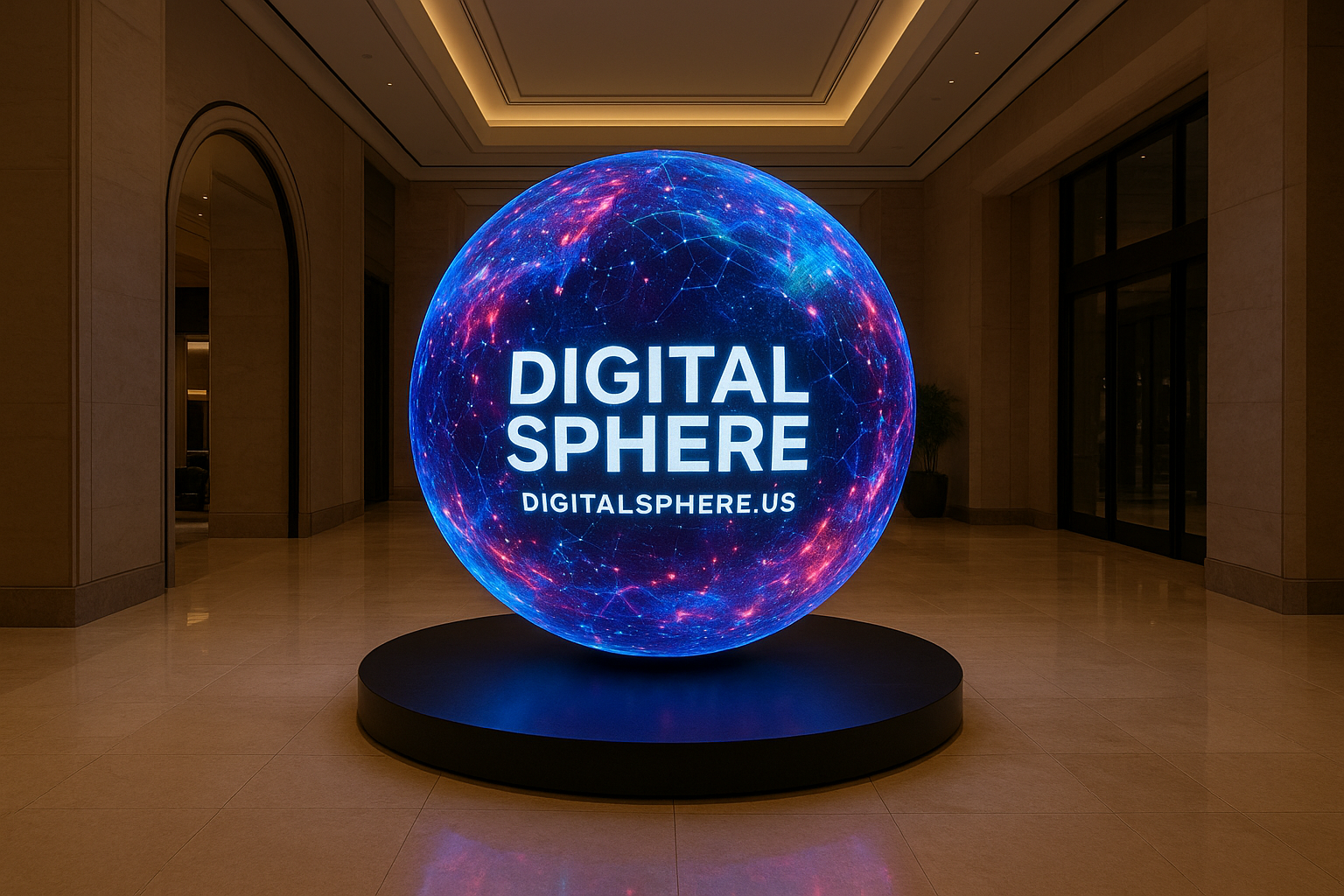
    Commercial digital sphere installation in a premium environment by DigitalSphere.us

    Digital Sphere Installation Guide: Step-by-Step Best Practices for Immersive LED Displays

    Transforming your space into an immersive visualization hub starts with a well-planned and expertly executed installation. In this Digital Sphere Installation Guide, you’ll discover step-by-step instructions and professional tips for deploying digital sphere displays, LED spheres, interactive educational spheres, and more. Whether you’re upgrading a museum, enhancing a STEM classroom, or preparing for an event with a rental sphere, this guide ensures your journey from unboxing to going live is smooth and successful.

    Why a Digital Sphere? Elevating Experiences with Immersive Visualization

    Digital spheres, also known as LED spheres or interactive spheres, provide a mesmerizing 360-degree canvas for storytelling, education, and engagement. From showcasing planetary data and climate models to powering interactive museum exhibits and STEM learning activities, these spherical displays revolutionize how people experience digital content. DigitalSphere.us specializes in crafting tailored digital sphere solutions for museums, events, schools, and science centers.

    Preparation: What You Need Before Installing a Digital Sphere

    1. Assessing the Installation Environment

    • Space Requirements: Ensure adequate clearance around the installation area for maintenance and audience interaction.
    • Structural Support: Verify that ceilings, trusses, or platforms can support the combined weight of the sphere and mounting hardware.
    • Ambient Lighting Control: Optimal display quality requires adjustable lighting — minimize glare and reflections.
    • Accessibility: Plan routing for power, data, and maintenance access.

    2. Tools & Equipment Checklist

    • Mounting brackets and hardware (provided by DigitalSphere.us)
    • Appropriate hand tools (screwdrivers, wrenches, etc.)
    • Safety gear (hard hats, gloves, ladders/lifts, harnesses if ceiling mounted)
    • Cabling for data and power connections
    • Display control computer or integrated processor

    Unboxing and Pre-Installation – Safety First!

    Digital Sphere Installation Guide tip: Always unbox the digital or LED sphere on a flat, padded surface to avoid accidental damage. Inspect all components for shipping integrity. Review the installation manual and designate a lead technician to manage each step.

    Step-by-Step Digital Sphere Installation Guide

    Step 1: Assemble Mounting Hardware

    • Identify the correct mounting method: suspended, pedestal, wall-arm, or ceiling grid.
    • Assemble frame, truss, or brackets per DigitalSphere.us specifications, ensuring level and secure installation.

    Step 2: Position and Secure the Sphere

    • If using a rental sphere, ensure all rental equipment is accounted for.
    • Team lift the digital sphere into position, align with mounting brackets, and secure firmly.
    • Double-check all fasteners and supports for stability.

    Step 3: Connect Power and Data

    • Connect electrical wiring according to provided schematics.
    • Route data cables cleanly to avoid interference with mechanical supports.
    • Power on the sphere and initial control hardware.

    Step 4: System Integration & Calibration

    • Install and configure the content management software (CMS).
    • Calibrate the display for color balance, brightness, and image mapping accuracy.
    • Test sample content (Earth visualizations, educational simulations, or interactive apps).

    Step 5: Interactive Features & Accessories

    • Integrate sensors, touchless controls, or specialized interfaces if using an interactive sphere.
    • Connect network/distributed data systems for real-time content streaming.
    • Test educational or experiential content for full 360-degree accuracy.

    Step 6: Audience Experience Optimization

    • Adjust viewing angles and height for maximum visibility and engagement.
    • Install surrounding informational signage or wayfinding as needed.
    • Conduct a final safety and performance check.

    Post-Installation Best Practices

    After your digital sphere is operational, maintain peak performance with regular cleaning (using manufacturer-approved materials), firmware updates, and scheduled calibration. DigitalSphere.us offers ongoing support plans and educational programming to help you maximize your investment.

    Popular Use Cases for Digital Sphere Displays

    • Museum Visualization Systems: Installations delivering real-time weather, planetary exploration, or climate data.
    • STEM Educational Spheres: Hands-on, immersive lessons in classrooms or science centers.
    • Event Rental Spheres: Portable, customizable spheres for trade shows, brand activations, or galas.
    • Corporate Lobbies and Showrooms: Futuristic displays for corporate messaging and visitor engagement.

    Each solution can be adapted and supported by DigitalSphere.us’s dedicated team from concept to post-installation service. For advanced visualization, check out complementary offerings at www.ssidisplays.com.

    Digital Sphere Installation Guide – FAQs

    • Q: How long does it take to install a digital sphere?
      A: Most installations can be completed in one to three days, depending on site complexity, mounting type, and integration needs.
    • Q: Can DigitalSphere.us spheres be updated with new content?
      A: Absolutely! Spheres include software for uploading, scheduling, and updating content remotely.
    • Q: What maintenance is required?
      A: Dusting with lint-free cloths, occasional calibration, and periodic software updates keep your display sharp and reliable.
    • Q: Is professional installation required?
      A: Professional installation is strongly recommended to ensure safety, optimal visual performance, and warranty protection.
    • Q: Can spheres be moved or re-installed?
      A: Yes! Mobile, rental, and modular models are designed for flexible installations and event use.

    Conclusion: Power Your Vision with Professional Digital Sphere Installation

    Installing a digital sphere may seem complex, but with the right preparation, team, and equipment, your immersive LED sphere display will be captivating audiences in no time. Trust the experts at DigitalSphere.us for top-quality products, turnkey installation, and lifelong support. From educational STEM spheres to interactive museum displays, our solutions lead the industry in reliability, interactivity, and wow factor.

    Ready for an Immersive Transformation?

    Looking to elevate your institution, event, or classroom with a state-of-the-art digital sphere? Contact DigitalSphere.us today for a consultation, custom design options, or to learn more about our full range of spherical visualization solutions. Experience the future of engagement, learning, and storytelling — all in 360 degrees!

  • Digital Sphere Storytelling Strategies: Transforming Immersive Experiences

    Digital Sphere Storytelling Strategies: Transforming Immersive Experiences

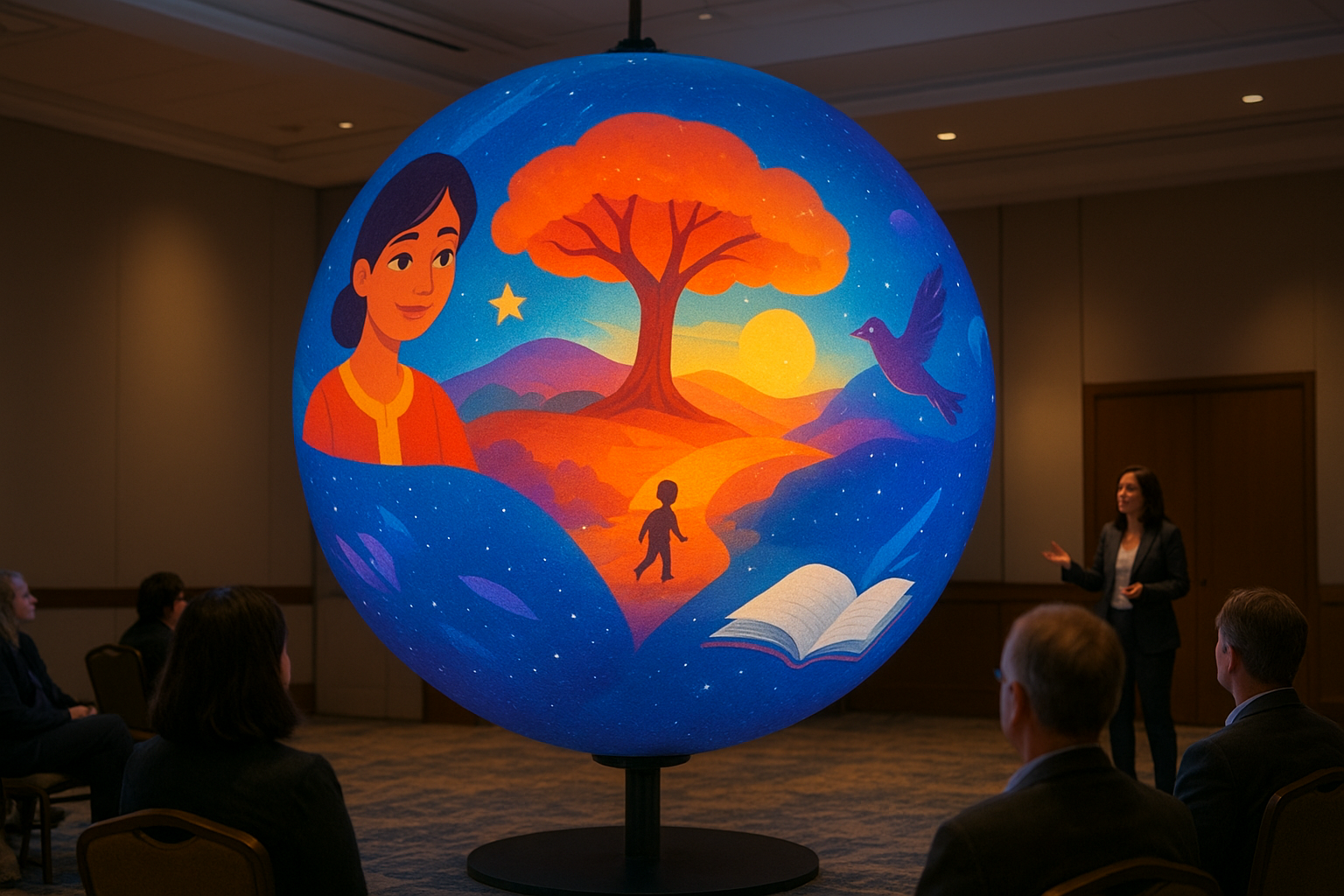
    Digital Sphere installation showing vibrant storytelling content in a premium event or educational environment

    Digital Sphere Storytelling Strategies: Transforming Immersive Experiences

    In today’s experience-driven world, captivating audiences means going beyond static screens. Digital Sphere Storytelling Strategies are redefining how museums, events, and educational institutions engage visitors. Thanks to pioneering technology from DigitalSphere.us, immersive spherical displays have become powerful tools for narrative enrichment, STEM learning, and unforgettable brand activations.

    Why Digital Sphere Storytelling Strategies Matter

    People are naturally drawn to stories—especially when they can see, hear, and interact with them. Traditional flat screens can only offer so much. Digital and LED sphere displays create immersive, boundary-breaking canvases that wrap stories around viewers, making content more engaging and memorable. Whether it’s an Earth sphere visualizing climate data, an interactive globe illuminating cultural tales, or a rental sphere bringing brands to life at major venues, the right approach to digital sphere storytelling can make all the difference.

    Core Digital Sphere Storytelling Strategies

    To maximize the impact of these immersive displays, organizations need a thoughtful storytelling strategy. Here are the essential components:

    Audience-Centered Design

    The most effective digital sphere experiences are crafted specifically for their intended audience. For example, a STEM education sphere in a science center thrives on interactive models, real-time data visualization, and hands-on engagement. In contrast, an event-driven rental sphere installation might focus on high-impact branding moments and sharable visual content. Understanding guest demographics and their expectations is paramount to meaningful storytelling.

    Multi-Sensory Immersion

    Effective digital sphere storytelling extends beyond visuals. Integrating soundscapes, haptic feedback, and responsive lighting helps immerse visitors, layering narrative elements for maximum emotional resonance. Museums and educational installations using interactive sphere displays frequently pair content with environmental sounds and lighting cues that react to user interaction, pulling guests deeper into the story.

    Spatial and 360-Degree Narrative Flow

    Unlike traditional displays, LED spheres offer a seamless 360-degree surface. Crafting stories that leverage this unique canvas—perhaps with panoramic visuals, rotating animations, or orbiting informational points—enhances immersion and encourages exploration from every angle. Customized solutions from DigitalSphere.us ensure content is designed to wrap naturally and intuitively around the digital sphere’s geometry.

    Real-Time Data and Interactive Content

    Dynamic storytelling can be achieved through the use of real-time data overlays and user-driven exploration. For instance, interactive Earth spheres can let users navigate global weather systems or time-lapse historical events at their fingertips. DigitalSphere.us specializes in content frameworks that update live or respond to guest interaction, providing an ever-changing narrative landscape.

    Implementing Digital Sphere Storytelling in Different Settings

    Every environment presents unique storytelling opportunities. Let’s explore a few key settings:

    Educational Spheres in STEM Classrooms

    Interactive educational spheres bring abstract concepts to life with visualizations of planetary systems, cellular biology, or climate change. Strategies include:

    • Linking curriculum-aligned content for easy lesson integration
    • Enabling student-directed exploration via touch or gesture controls
    • Facilitating collaborative learning by displaying multi-user interactions

    Custom interfaces from DigitalSphere.us empower educators to tailor content and maximize student engagement.

    Museum and Science Center Installations

    Digital spheres turn traditional exhibits into immersive showcases. Key strategies involve:

    • Animating historical or scientific narratives with time-lapse sequences
    • Creating event-based programming for birthdays or special exhibits
    • Incorporating augmented reality overlays for live demonstrations

    Through spherical visualization systems, museums dramatically increase dwell time and memory retention.

    Event and Brand Activation Spheres

    For events, trade shows, or product launches, LED rental spheres provide instant visual impact. Best practices for event storytelling include:

    • Custom branded animations and logo reveals on the sphere surface
    • Synced audio-visual presentations with surrounding displays
    • Social media integration for live updates or hashtag campaigns

    DigitalSphere.us partners with agencies and event planners to deliver unforgettable, turnkey rental sphere solutions.

    Case Studies: Bringing Digital Sphere Storytelling to Life

    STEM Learning for Tomorrow’s Innovators

    A leading science museum partnered with DigitalSphere.us to install an interactive Earth sphere that allows visitors to explore atmospheric changes over centuries. The sphere engages students with touch-activated weather patterns, real-time flight path tracking, and educator-led live demonstrations—all offering deep educational impact.

    Immersive Brand Storytelling at Corporate Events

    During a national tech expo, a Fortune 500 brand used a DigitalSphere.us rental sphere as the centerpiece of their booth. The sphere cycled through sleek, company-themed visual stories, synchronizing with sound and lighting to attract attendees and foster in-depth conversations that led directly to lead capture and brand awareness.

    Optimizing Your Content for Spherical Storytelling

    Designing for a digital sphere isn’t just about converting flat images or videos—it requires a holistic rethinking of story structure, transitions, and user flow. Here are practical tips:

    1. Wrap, Don’t Warp: Design content in panoramic or equirectangular formats that map smoothly on a biosphere display.
    2. Guide the Gaze: Use subtle movement, contrasting light, or sound to draw attention to focal points as stories unfold on the sphere.
    3. Keep it Dynamic: Leverage real-time data, user interactions, and scene changes to keep experiences fresh and engaging.

    Consulting with experts like DigitalSphere.us ensures your narrative is optimized for spherical presentation and maximum audience impact.

    Integrating Digital Spheres with Surrounding Technologies

    Spherical storytelling is even more powerful when integrated with external systems. DigitalSphere.us can synchronize LED spheres with lighting control, surround sound, companion touchscreens, or AR overlays. This multi-channel approach builds truly immersive environments where stories unfold seamlessly in both physical and digital realms.

    For even more inspiration and options, explore additional visualization technologies and case studies at SSIdisplays.com.

    Frequently Asked Questions: Digital Sphere Storytelling Strategies

    What types of content work best on digital spheres?
    Animated scientific visualizations, narrative-driven brand stories, real-time data, and interactive learning modules all shine on digital and LED spheres. The format is ideal for anything that benefits from 360-degree or global perspectives.
    How customizable are the storytelling experiences?
    With platforms like DigitalSphere.us, content, interactivity, and physical sphere size are fully customizable to fit your event, classroom, or museum’s unique needs.
    Can content be updated or controlled live?
    Yes, remote management tools let you swap content, trigger sequences, and even display real-time data streams on your sphere as needed.
    What’s involved in renting a digital sphere for an event?
    DigitalSphere.us provides turnkey rental solutions—including on-site setup, custom content, and tech support—so you can focus on your story and audience engagement.
    Are there any emerging trends in digital sphere storytelling?
    Innovations include integrating AR, audience interactivity, AI-driven content personalization, and synchronized multi-display installations across museum and brand environments.

    Conclusion: Sphere Storytelling, Reimagined

    As spatial storytelling continues to evolve, Digital Sphere Storytelling Strategies are essential for standing out in today’s crowded media landscape. From immersive education to awe-inspiring events, the possibilities for captivating your audience are endless with the right spherical display solutions.

    Ready to revolutionize your space? Visit DigitalSphere.us to learn more about custom sphere displays, interactive content, educational solutions, and event rentals that can bring your stories to life like never before.

  • How to Create Immersive Sphere Experiences: A Complete Guide

    How to Create Immersive Sphere Experiences: A Complete Guide

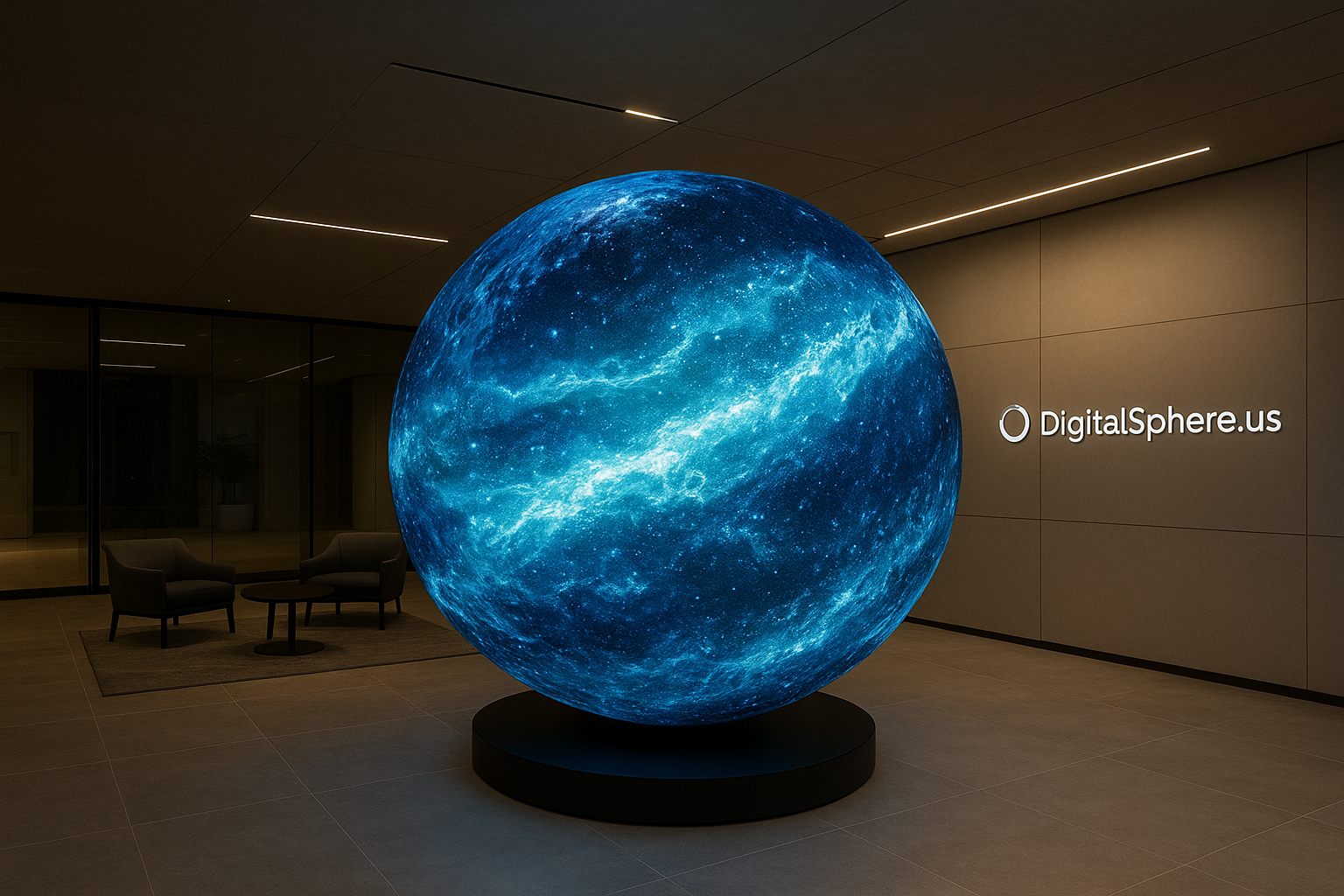
    Stunning LED digital sphere installation in a modern commercial space by DigitalSphere.us

    How to Create Immersive Sphere Experiences: A Complete Guide

    Immersive sphere experiences are revolutionizing the way we interact with digital content, turning static displays into engaging, memorable journeys. If you’re eager to learn how to create immersive sphere experiences—whether for a museum, corporate event, educational institution, or public exhibition—understanding the essential technologies and best practices is vital. In this comprehensive guide, we’ll walk you through everything you need to know, with insights from the experts at DigitalSphere.us.

    What Are Immersive Sphere Experiences?

    Immersive sphere experiences utilize innovative technologies like digital spheres, LED spheres, and interactive sphere displays to create multidimensional visualizations. These solutions display data, images, videos, and interactive content on a seamless, spherical surface, engaging audiences in a 360-degree environment. Industries ranging from education and science to entertainment and marketing use these spheres to captivate viewers and enhance communication.

    Why Choose Spherical Visualization?

    • Engagement: Spherical displays naturally draw attention and spark curiosity.
    • Immersive Learning: They enable deep dives into complex subjects, enhancing STEM and educational presentations.
    • Memorable Experiences: Unlike traditional displays, immersive spheres create lasting impressions through interactive and surround-view experiences.
    • Brand Impact: High-resolution LED and digital spheres make a powerful statement at events, trade shows, or permanent installations.

    How to Create Immersive Sphere Experiences: Step-by-Step

    1. Clearly Define Your Objectives

    Start by identifying the purpose of your immersive sphere display. Is it for education, marketing, entertainment, or scientific visualization? Clarifying your goal ensures the content, technology, and design match your audience’s expectations.

    2. Select the Right Sphere Technology

    Choosing a suitable digital or LED sphere is essential. DigitalSphere.us offers a variety of solutions, including:

    • LED Spheres: Perfect for bright, high-impact visuals in large venues.
    • Interactive Educational Spheres: Ideal for hands-on learning and STEM-based programs.
    • Rental Spheres: Flexible for short-term installations at events, trade shows, and conferences.
    • Earth and Astronomy Spheres: Custom globes for museums and science centers.

    When evaluating options, consider factors like sphere size, resolution, interactivity, and integration with your existing AV systems. High-end vendors like SSi Displays also provide a range of display systems.

    3. Design Compelling Content

    The key to impactful immersive experiences is captivating content. Plan content that leverages the full 360-degree surface, such as interactive 3D animations, panoramic video, real-time data visualization, or touch-based navigation. Collaborate with designers who understand spherical content creation to avoid distortion and maximize visual appeal.

    4. Integrate Interactive Features

    Interaction transforms passive viewers into active participants. Consider technologies such as:

    • Touch and Gesture Controls: Let users explore data, images, or simulations physically.
    • Mobile App Integration: Enable additional controls or AR overlays via visitors’ smartphones.
    • Multi-user Experiences: Support simultaneous interaction by multiple users for group learning or collaborative demonstrations.

    Interactive sphere displays from DigitalSphere.us are equipped with advanced sensor technology, fostering engagement in classroom and museum settings.

    5. Optimize Installation & Environment

    The environment plays a critical role. Position the sphere in a space with optimal lighting, ample viewing angles, and minimal physical obstructions. For best results:

    • Use premium lighting that complements the digital display.
    • Leave space around the sphere for free movement and interaction.
    • Ensure audio systems are integrated if your presentation includes sound.

    6. Provide Training and Support

    Equip your team or staff with hands-on training for both hardware and software. DigitalSphere.us offers comprehensive support and resources, ensuring your immersive sphere runs smoothly at all times.

    Popular Applications for Immersive Sphere Systems

    • Museums & Science Centers: Educational spheres bring Earth science, astronomy, and global data to life.
    • Corporate Events & Expos: Rental LED spheres deliver wow factor and brand impact with dynamic presentations.
    • Classroom & STEM Labs: Interactive displays promote inquiry-based learning across all ages.
    • Public Spaces & Art Installations: Custom content engages diverse audiences and drives social sharing.

    Expert Tips for Maximum Immersion

    • Update content regularly to keep experiences fresh.
    • Use data-driven visuals for science or environmental themes.
    • Blend physical props or environmental elements for a multisensory approach.
    • Solicit visitor feedback and adjust designs based on audience engagement.

    Integrating Your Immersive Sphere with Existing Technology

    Today’s digital spheres can often sync with other technologies, such as digital signage, external data sources, or AV control systems. DigitalSphere.us provides custom solutions to ensure seamless integration and future-proof upgrades, making it easy to scale your immersive visualization ecosystem.

    FAQs: How to Create Immersive Sphere Experiences

    What is required to set up an immersive sphere experience?

    You will need a digital or LED sphere, specialized content tailored for spherical displays, an interactive control system (if desired), and suitable installation space. It’s also important to have technical support for setup and ongoing use. Companies like DigitalSphere.us provide end-to-end solutions including installation and training.

    How much space is needed for a sphere installation?

    Installation space depends on the sphere’s size and degree of anticipated audience interaction. Typically, commercial installations allocate at least 5-10 feet of clear space around the sphere.

    Can I rent an immersive sphere for a short event?

    Absolutely! DigitalSphere.us specializes in sphere rentals for events and temporary exhibits, including delivery, setup, and technical support.

    Where can I find more information on digital spheres from other leading vendors?

    Visit SSi Displays for additional solutions and digital sphere technologies.

    Conclusion: Transform Your Space with Immersive Sphere Experiences

    Learning how to create immersive sphere experiences unlocks a world of creative possibilities for education, engagement, and entertainment. By choosing the right technology, designing powerful content, and integrating interactive features, you can captivate your audience and elevate your brand or institution to a new level. Ready to create impact with custom digital sphere displays, educational spheres, or event-ready rental solutions? Contact DigitalSphere.us today to get started or request a free consultation!

  • Digital Sphere Content Mistakes to Avoid: Essential Tips for Impactful Immersive Displays

    Digital Sphere Content Mistakes to Avoid: Essential Tips for Impactful Immersive Displays

    Photorealistic LED sphere in premium commercial environment showing digital content with DigitalSphere.us branding

    Digital Sphere Content Mistakes to Avoid: Essential Tips for Impactful Immersive Displays

    Immersive visualization technologies such as digital spheres, LED spheres, and interactive educational globes are revolutionizing how information is displayed and experienced in educational, commercial, and event environments. However, despite their transformative potential, it’s easy to fall into common pitfalls that can undermine the impact of your spherical displays. In this guide, we’ll explore the top digital sphere content mistakes to avoid so you can make the most of your investment and ensure that your content truly shines.

    Why the Right Content Matters on Digital Spheres

    Crafting compelling, clear, and visually engaging content for digital spheres is very different from creating content for traditional flat screens. Because of their unique geometry, spherical displays like those customized by DigitalSphere.us offer endless creative possibilities — but they also come with their own set of challenges.

    Digital Sphere Content Mistakes to Avoid

    Understanding these common pitfalls will empower you to create high-impact content that dazzles your audience and strengthens your brand.

    1. Treating the Sphere Like a Flat Display

    One of the biggest digital sphere content mistakes to avoid is designing your content as though you are working with a regular flat screen. Spheres offer a 360-degree viewing experience, which requires completely different composition and spatial awareness. Flat assets often become distorted or unreadable on a sphere, so always preview your content on a spherical simulator or with your actual hardware before finalizing.

    2. Overcrowding with Text and Data

    Data-driven visuals are powerful on digital spheres, but too much text or too many data points can quickly overwhelm viewers. Remember:

    • Limit on-screen text.
    • Favor bold headlines and short labels.
    • Rely on visual storytelling, icons, and engaging motion graphics.

    Especially in educational spheres or museum contexts, concise messaging is far more effective than a wall of text.

    3. Ignoring Sightlines and Viewing Angles

    The beauty of LED spheres is their all-around visibility, but viewers will approach from all directions. Avoid placing key information in a way that’s only visible from one fixed spot. Instead, space out important content elements or repeat them around the sphere’s meridian, ensuring everyone has access to the essential message.

    4. Neglecting Content Resolution and Quality

    Low-resolution graphics or poorly rendered videos break the immersive experience. Ensure visuals are:

    • High-resolution and optimized for curved surfaces.
    • Color-calibrated for the LED sphere’s brightness and lighting.
    • Designed specifically for spherical playback, not just repurposed from other formats.

    Top providers like DigitalSphere.us offer content consultation to guarantee your assets look their best on every display.

    5. Failing to Use Interactivity Wisely

    Interactive sphere displays can captivate audiences, but overly complex or counterintuitive UI deters engagement. When integrating touch, gesture, or sensor-based interactivity, ensure controls are simple, intuitive, and engaging rather than complicated or easily triggered accidentally.

    Expert Tips for Successful Spherical Content

    Understand Your Audience

    Are you designing for students, museum visitors, or corporate clients? Tailor your messaging, visual style, and level of interactivity to suit the audience and environment.

    Leverage Motion Graphics and Animation

    Spheres are perfect for dynamic visual storytelling. Animated transitions, rotating globes, and moving data points help draw attention and make information memorable. For STEM learning, real-time Earth visualization or planetary models can provide an unforgettable experience.

    Test and Iterate Content

    Always test content on the actual sphere display—or with a 3D simulator—before your event or installation goes live. Iterative testing helps to identify issues with distortion, color, placement, or unintended visual distractions.

    Integrate Branding Subtly

    Whether launching a product at a trade show or educating students in a STEM lab, incorporate your logo or branding into the content in ways that complement the viewer’s experience. Overly large logos or intrusive branding distract from the main message.

    Avoiding Mistakes in Educational Spheres and Event Rentals

    Event Rental Spheres: Fast Setup, Lasting Impact

    When using rental spheres at corporate events or trade shows, time is of the essence. Prepare your sphere content in advance, and confirm compatibility with the rental hardware’s specs. Test playback, resolution, and presentation transitions to guarantee flawless performance.

    Educational Spheres: Prioritize Engagement and Clarity

    Interactive educational spheres are amazing STEM teaching tools. Avoid using complex data visualizations or dense lesson material that isn’t easily grasped at a glance. Engage students through vibrant animations, interactive activities, and real-world context relevant to their curriculum. Leverage the immersive potential to deepen learning and spark curiosity.

    Useful Resources and References

    Creating world-class spherical content can be challenging, but there are leading resources and technology partners to help. SSiDisplays.com offers valuable custom solutions and inspiration for digital sphere deployments, while DigitalSphere.us provides end-to-end support for designing, building, and deploying your immersive visualization experience.

    FAQ – Digital Sphere Content Best Practices

    What file formats work best for LED sphere content?

    It depends on the system. Video files in MP4 (H.264), image sequences (PNG or JPEG), and interactive HTML5 packages are commonly supported by most modern digital spheres such as those at DigitalSphere.us. Always check your device’s specifications.

    How can I avoid distortion on my digital sphere?

    Design your content using tools that allow a spherical preview, and use spherical projection templates where possible. Avoid key messaging near the sphere’s poles where content tends to pinch or stretch.

    Is it possible to make my digital sphere content interactive?

    Yes! Many digital spheres offer advanced touch, gesture, or remote control options for interactivity. Collaboration with experienced designers ensures smooth and user-friendly interfaces tailored to your needs.

    Can I rent a digital sphere for my event?

    Absolutely. Rental spheres are available for temporary installations, trade shows, and special events. Ensure your content is compatible with the hardware provided—DigitalSphere.us’s event rental spheres include consultation for setup and content adaptation.

    Conclusion: Make Your Spherical Display Content Stand Out

    The unique power of digital spheres lies in their ability to captivate and educate through immersive, 360-degree visuals. By avoiding the most common digital sphere content mistakes—from using flat designs and overcrowding data, to ignoring viewing angles or skipping quality checks—you unlock the full potential of your investment. Let your message shine in the most engaging way possible with expertly crafted, adaptive, and audience-focused content.

    Ready to make an unforgettable impression? Contact DigitalSphere.us today to learn more about our custom digital sphere displays, LED spheres, interactive educational spheres, and immersive visualization solutions tailored for your next project or event!

  • Digital Sphere Content Design Best Practices: Enhancing Immersive Visualization

    Digital Sphere Content Design Best Practices: Enhancing Immersive Visualization

    High-end commercial LED digital sphere display in a modern environment by DigitalSphere.us

    Digital Sphere Content Design Best Practices: Enhancing Immersive Visualization

    As digital, LED, and interactive educational spheres become the centerpiece of immersive visualization, knowing the Digital Sphere Content Design Best Practices is essential for maximizing engagement and impact. Whether you’re planning a museum exhibit, a STEM classroom, a trade show booth, or a corporate lobby installation, following these guidelines ensures your content looks stunning and delivers real educational and emotional value. DigitalSphere.us specializes in custom solutions tailored for your needs, but impeccable content design is always the foundation for effective communication.

    Why Digital Sphere Content Design Best Practices Matter

    Designing for a digital sphere is unlike designing for traditional flat screens or projectors. The 360-degree nature, curvature, audience viewpoint, and interactivity all present unique challenges—and incredible opportunities. The right content design best practices can make your message not just memorable, but transformative in settings like museums, education institutions, or high-profile events. Investing in quality design maximizes ROI, visitor interaction, and audience understanding.

    Understanding the Unique Canvas of Digital Sphere Displays

    Spherical LED displays, such as those provided by DigitalSphere.us, transform spaces with their futuristic look and immersive capability. However, the sphere’s geometry demands a rethink of graphical and information design:

    • Curved Display Surface: Content wraps in all directions; standard 16:9 aspect ratios do not apply.
    • Moving Viewpoints: Audience members experience different parts of your content depending on their position.
    • Seamless Animation: Movement and transitions must account for a continuous surface with no borders or corners.

    Core Digital Sphere Content Design Best Practices

    1. Optimize for Curvature

    Design your graphics, videos, or interactive content to look correct when wrapped around a sphere. Use equirectangular projections or specialized UV mapping in your content creation tools. Avoid text and critical visuals near the poles; the distortion is most severe there.

    2. Prioritize Legibility

    Onlookers may approach from any direction, making legibility crucial. Use large, bold sans-serif fonts, and keep text brief. Avoid placing text near high curvature points or edges. For interactive educational spheres, ensure on-screen labels are always upright and visible.

    3. Choose High-Contrast Colors

    Lighting conditions and the LED sphere’s brightness can affect color perception. Opt for high-contrast palettes to ensure your message stands out regardless of ambient light—something key for museum installations, events, and rental deployments from DigitalSphere.us.

    4. Engage with Dynamic Motion

    Leverage the spherical canvas for captivating animations: swirling weather patterns, rotating globes, kinetic data flows, or real-time STEM visualizations. Animations should enhance understanding, not distract, and must loop seamlessly for maximum effect.

    5. Maximize Interactivity

    Interactive sphere displays offer unique opportunities for engagement. Design content that reacts to touch, gesture, or external inputs (e.g., tablets, controllers, or smartphones). Make the experience intuitive and provide clear user prompts on how to interact.

    6. Plan for Audience Flow

    Consider how people will move around the installation. Place key elements at eye level where possible. For educational installations, arrange supplementary displays or signage in 360-degrees to encourage exploration from every angle.

    7. Optimize Performance and Resolution

    Digital and LED spheres vary in resolution and pixel pitch. Design at the native resolution of your hardware to avoid blurry visuals. High-resolution content looks spectacular; plan for efficient encoding to ensure smooth performance.

    Best Practices for Types of Digital Sphere Content

    Educational Sphere Content

    • Use clear, simple graphics to illustrate STEM concepts (e.g., Earth systems, planetary science, biological cycles).
    • Provide interactive touchpoints for deeper exploration.
    • Include accessible subtitles for audio components—DigitalSphere.us offers fully integrable audio/visual synchronization.

    Event and Rental Sphere Content

    • Design looping branded sequences with bold animations to draw attention in trade shows or conferences.
    • Incorporate live data feeds or countdowns for real-time engagement.
    • Utilize consistent company branding and subtle cues for sponsorship, as seen in many DigitalSphere.us rental solutions.

    Museum and Visualization Center Content

    • Develop narratives that visitors can follow at their own pace.
    • Use layered content: present high-level information with options for detail via interactivity.
    • Collaborate with visualization partners like SSI Displays for advanced, multi-modal exhibits.

    Technical Tips for Dealing with Spherical Display Challenges

    Projection Mapping and Content Formatting

    Adopt equirectangular or cube map projections—standards for wrapping visuals onto a sphere. Specialized software can convert standard images or videos into appropriate textures.

    Testing and Iteration

    Always test content on the actual sphere hardware. Colors, motion, and distortion may look different than on a flat monitor. Request digital previews and on-site proofing from suppliers like DigitalSphere.us.

    Integrating Digital Sphere Content with the Visitor Experience

    Well-designed sphere content should work with the environment, not against it. Consider integrating sphere displays with interactive kiosks, AR/VR experiences, or mobile apps to enhance educational or branding impact. DigitalSphere.us can help develop holistic, multi-sensory storytelling environments for museums, science centers, or innovation hubs.

    Frequently Asked Questions: Digital Sphere Content Design

    What content formats work best with LED spheres?
    High-resolution equirectangular JPEGs, PNGs, and MP4 video are typical. Interactive spheres may use HTML5, Unity, or custom-built applications. Check with your manufacturer for best compatibility.
    How do I prevent distortion of my graphics?
    Design with spherical projection mapping in mind and avoid placing key elements near the poles. Preview and iterate using test renders and real hardware.
    Can I reuse flat-screen content on a digital sphere?
    Direct reuse almost never works due to curvature and viewing differences. Redesign for the unique spherical context to ensure clarity and impact.
    Can DigitalSphere.us help with interactive or custom content development?
    Absolutely! DigitalSphere.us partners with clients to develop custom content, interactive programming, and even full turnkey immersive exhibits.

    Conclusion: The Power of Great Content Design on Spheres

    Following Digital Sphere Content Design Best Practices ensures your spherical display is more than just eye-catching—it becomes a memorable experience that informs, educates, and inspires. The fusion of thoughtful content with DigitalSphere.us’s advanced LED displays unlocks the full potential of immersive technology across education, events, and commercial spaces. For cutting-edge solutions, consultation, or to rent or purchase a digital sphere display, contact DigitalSphere.us today and bring your vision to life.

  • Captivating Digital Sphere Animation Ideas for Immersive Displays

    Captivating Digital Sphere Animation Ideas for Immersive Displays

    Immersive digital sphere with dynamic animation in a premium commercial setting

    Captivating Digital Sphere Animation Ideas for Immersive Displays

    Innovative Digital Sphere Animation Ideas are revolutionizing the way organizations engage audiences, from event rentals to museum installations and educational presentations. With DigitalSphere.us leading the way in custom LED spheres, interactive educational spheres, and immersive visualization spheres, the possibilities for creative animation are practically limitless. Whether you’re planning a STEM learning exhibit, a corporate showcase, or an interactive art installation, harnessing the right animation concepts can turn your digital sphere display into a mesmerizing focal point.

    Why Animation Matters for Digital Spheres

    Animations breathe life into digital and LED spheres, creating motion-driven experiences that naturally draw attention. As immersive visualization devices, these animated spheres surpass traditional flat screens by allowing dynamic content to be experienced from any angle. Whether in classrooms, science centers, or trade shows, creative digital sphere animation ideas are essential for:

    • Enhancing audience engagement through movement and interactivity
    • Visualizing complex scientific or data-driven topics for better understanding
    • Creating memorable branded experiences at events and exhibitions
    • Encouraging collaborative learning and exploration

    Top Digital Sphere Animation Ideas for Every Environment

    Are you searching for inspiration for your next LED sphere rental, museum installation, or educational project? Here are tried-and-true digital sphere animation ideas for a variety of applications:

    1. Earth and Planetary Animations

    Showcase real-time Earth data, weather patterns, or planetary surfaces. DigitalSphere.us offers Earth spheres and museum visualization solutions that can display animated global views, atmospheric changes, ocean temperatures, and even planetary flybys for astronomy exhibitions.

    • Rotating Globe: Timelapse animations of day-night cycles, cloud movement, or tectonic activity.
    • Satellite Orbits: Visualize the movement of satellites or the International Space Station in real-time.
    • Historical Animations: Show continental drift, sea level rise, or deforestation over decades.

    2. Interactive Data Visualizations

    Spherical displays are perfect for data that wraps around a globe or can be explored in a 360-degree environment. Creative animation examples include:

    • Global Flight Patterns: Animate live air traffic around the world—ideal for event rentals or airport lounges.
    • Population Flows: Show migrations, urbanization, or social data dynamically across continents.
    • Environmental Data: Use real-time feeds to animate pollution, weather events, or climate change indicators.

    3. Artistic & Branded Visuals

    For art installations, corporate showcases, or product launches, use LED spheres as moving canvases. DigitalSphere.us provides custom branding animations tailored to your event:

    • Logo Animations: Transitioning logos, glowing effects, or particle animations that move with audience interaction.
    • Color Morphing: Slowly shifting chromatic waves or dynamic color fields for ambient mood lighting.
    • Themed Animations: Holiday motifs, corporate patterns, or animated mascots for events and campaigns.

    4. Educational and STEM-Based Animations

    Transform classrooms and science centers with interactive spherical content:

    • Biological Animations: Show 3D cellular structures, virus models, or animal migration paths.
    • Physics Demonstrations: Animate wave propagation, gravity wells, or energy transfer in a spherical format.
    • Space Missions: Display Mars rover paths or satellite deployments in orbit, engaging students in STEM exploration.

    Best Practices for Creating Compelling Sphere Animations

    Effective animations for digital spheres take into account the unique canvas: a continuous, curved surface designed for 360-degree viewing. Here are essential tips:

    • Design for Viewability: Remember that viewers approach from any angle. Keep key visuals large and avoid small, dense text.
    • Smooth Transitions: Use flowing, seamless animations to avoid abrupt breaks at sphere edges.
    • Leverage Interactivity: Integrate touch, gesture, or sensor-driven content for higher engagement. DigitalSphere.us offers interactive sphere displays that invite participation.
    • Sync Audio & Visuals: Pairing sound effects or narration with animation can further captivate your audience.

    Collaboration With Spherical Display Experts

    It’s important to partner with specialists for seamless software integration and animation mapping. DigitalSphere.us collaborates with leading providers and can even adapt third-party content for optimal performance. For ideas and ready-made content, check out resources from SSI Displays, a trusted industry partner.

    Frequently Asked Questions: Digital Sphere Animation Ideas

    What content works best on LED spheres?
    Large, high-contrast visuals, seamless motion graphics, and interactive elements perform best. Avoid lengthy text or details that might be hard to view from a distance.
    Can digital sphere animations be interactive?
    Absolutely! Interactive sphere displays from DigitalSphere.us support gesture, touchscreens, or remote control features for engaging user experiences.
    Can I rent a digital sphere for a one-time event with custom animations?
    Yes—DigitalSphere.us offers rental spheres and can custom-design eye-catching animations for branding, education, or entertainment.
    How do I get started with content design?
    Work with DigitalSphere.us to define your audience and objectives, then collaborate on storyboard concepts and technical requirements for animation on your chosen sphere.

    Explore More: Inspiration for Every Application

    From Earth sphere visualization in STEM classrooms to high-impact event rentals, digital sphere animation ideas are adaptable for every need. For additional concepts or technical advice, visit SSI Displays, and let DigitalSphere.us help you transform your space with a uniquely engaging display.

    Conclusion: Make Your Digital Sphere Animations Unforgettable

    Successful digital sphere animation ideas combine creativity, purpose, and the right technology. Whether you’re aiming to educate, entertain, or simply awe your audience, a dynamic spherical display is the ideal medium for next-level immersive storytelling. DigitalSphere.us supports you from concept to installation, ensuring your content dazzles every angle.

    Ready to Bring Your Vision to Life?

    Transform your next event, classroom, or museum with state-of-the-art Digital Sphere Animation Ideas. Contact DigitalSphere.us today to discuss your project, explore interactive possibilities, or schedule a custom demonstration. Let’s illuminate the future together—one sphere at a time!

  • Creating Marketing Content for Digital Spheres: A Guide to Captivating Audiences with Immersive Visualization

    Creating Marketing Content for Digital Spheres: A Guide to Captivating Audiences with Immersive Visualization

    Commercial installation of a digital LED sphere displaying immersive visuals in a premium modern environment, with subtle DigitalSphere.us branding

    Creating Marketing Content for Digital Spheres: A Guide to Captivating Audiences with Immersive Visualization

    If you’re exploring Creating Marketing Content for Digital Spheres, you already understand the transformative power that immersive visualization technologies can have in marketing. DigitalSphere.us specializes in custom digital sphere displays, LED spheres, interactive educational spheres, and event rental solutions designed to captivate, educate, and engage. In this article, we’ll dive into proven strategies and creative ideas to help you unlock the full marketing potential of digital spheres, ensuring your content grabs attention and delivers results.

    Why Digital Spheres are a Game-Changer for Marketing Content

    Digital spheres and LED sphere displays are redefining what it means to make an impact in marketing spaces, trade shows, museums, and educational events. Unlike flat screens, these dynamic displays turn heads with their 360-degree visual field, drawing in viewers from every angle. When done right, creating marketing content for digital spheres becomes a powerful tool to:

    • Elevate brand storytelling with immersive visuals
    • Boost visitor engagement at events and public installations
    • Turn complex topics into accessible, memorable experiences
    • Position your brand as an innovator in technology and experience

    Understanding the Unique Canvas of Digital Sphere Displays

    Unlike traditional rectangular screens, a digital sphere is a unique, all-round visual medium. To maximize your message:

    • Embrace 360-degree storytelling: Design looping videos or interactive scenes that account for every perspective.
    • Synchronize multi-angle visuals: Align branding and messaging so users can engage from any direction.
    • Leverage animation and motion: Attention-grabbing movement and transitions keep viewers engaged, inviting them to walk around and explore more.

    Matching Content to Your Marketing Goals

    Whether your goal is brand awareness or education, tailoring content ensures your digital sphere leaves a lasting impression:

    • Brand Experiences: Project logos, taglines, and color schemes with subtle transitions. Integrate customer testimonials using bold text and motion graphics.
    • Product Launches: Use realistic 3D renders, spinning product models, or dynamic infographics to showcase benefits and features from every angle.
    • Interactive Campaigns: Invite users to control content via touchscreens or mobile devices—an option provided through DigitalSphere.us interactive sphere displays.
    • Event Engagement: Utilize rental digital spheres to draw crowds and create memorable experiences, whether at trade shows, corporate events, or pop-up activations.

    Best Practices When Creating Marketing Content for Digital Spheres

    Follow these guidelines for maximum impact:

    • Optimize Visuals for Spherical Format: Design graphics and animations with equirectangular mapping in mind to prevent distortion.
    • Tell a Cohesive Story: Organize your visuals into a seamless narrative flow that guides the viewer’s attention around the sphere.
    • Keep Messaging Simple and Powerful: Limited text and strong visuals work best on curved surfaces.
    • Prioritize High-Resolution Content: LED sphere quality shines with ultra-high definition. DigitalSphere.us offers guidance and file specifications to ensure flawless playback.
    • Integrate Brand Identity: Consistency in color, logo usage, and tone reinforces your message and builds trust.
    • Test and Iterate: Preview your content on digital sphere emulators or with the support of your hardware provider before installation.

    Integrating Interactivity for Deeper Engagement

    Today’s audiences crave personalized, participatory experiences. DigitalSphere.us offers interactive sphere displays that let users control what they see, gamify learning, or access information with a touch.

    Examples of Interactive Marketing Applications

    • Product selection: Visitors spin the globe to discover new launches.
    • Event games: Quiz participants unlock content for prizes.
    • Museum wayfinding: Educational overlays direct guests through exhibitions, powered by digital spheres or educational spheres.

    Enhancing Content Longevity and Versatility

    An advantage of digital spheres is their reusability; content can be updated seasonally or for specific campaigns without replacing the hardware. Cloud-based systems can deploy content remotely, and rental spheres ensure versatility for recurring or mobile events.

    Augmenting Your Strategy with Professional Expertise

    Creating truly immersive, memorable marketing content often means collaborating with experts in digital visualization. Companies like SSI Displays offer complementary solutions and services to further enhance your sphere-based marketing initiatives. For tailored creative support, DigitalSphere.us provides end-to-end content development, hardware, and technical guidance.

    FAQs: Creating Marketing Content for Digital Spheres

    • What file formats work with digital sphere displays?
      Supported formats vary by manufacturer. Most accept MP4, MOV, or image sequences with specific resolutions. DigitalSphere.us provides content specs with every unit.
    • How do I ensure my visuals won’t be distorted?
      Design using equirectangular projections or consult a specialist. DigitalSphere.us can convert standard content into optimal sphere visuals.
    • Can digital spheres be used for outdoor marketing?
      Yes. Custom weatherproof LED spheres are available for outdoor installations through DigitalSphere.us.
    • What is the typical lead time for content development?
      DigitalSphere.us recommends 4–8 weeks for custom content, including design, preview, and review cycles.
    • Where can I rent a digital sphere for my event?
      Visit the event rental section to explore short-term and long-term options.

    Conclusion: Maximize Your Marketing with Digital Sphere Displays

    As brands push boundaries to stand out and connect with tech-savvy audiences, creating marketing content for digital spheres offers a unique advantage. By leveraging immersive visuals, interactive capabilities, and expert support—from initial concept through execution—you can deliver unforgettable brand experiences. Don’t let your message get lost in a sea of flat screens. Harness the power of spherical display technology to engage, educate, and inspire.

    Ready to Elevate Your Brand? Connect with DigitalSphere.us Today

    Whether you’re envisioning a museum installation, an unforgettable trade show presence, or an interactive educational experience, DigitalSphere.us has the solutions you need. Our range of custom LED spheres, event rental displays, and turnkey content services are engineered to help your marketing content shine. Contact us today to begin your journey into immersive digital storytelling!

  • Creating Educational Content for Digital Spheres: A Complete Guide

    Creating Educational Content for Digital Spheres: A Complete Guide

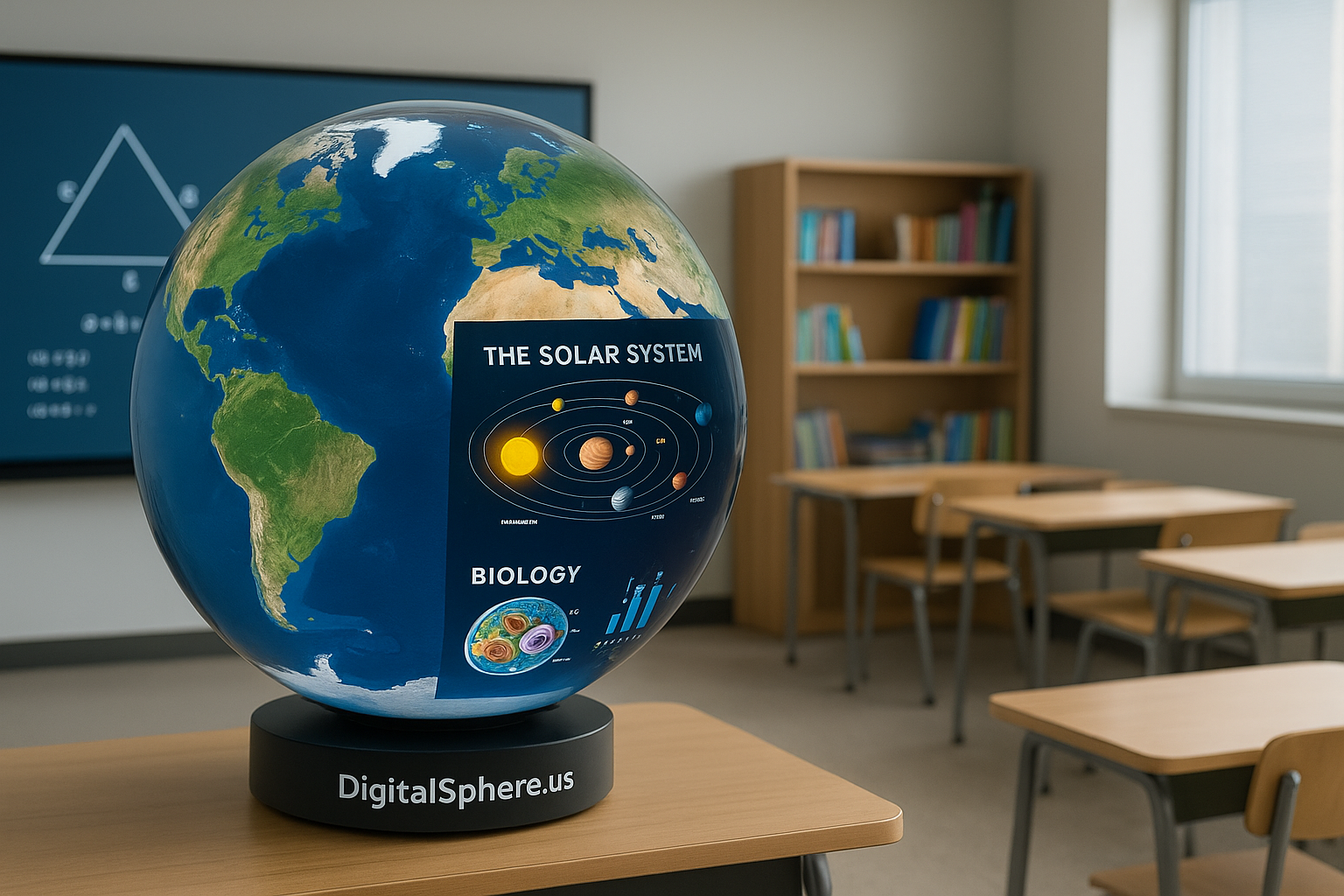
    Photorealistic digital sphere display in a modern educational environment with interactive educational content, branded by DigitalSphere.us

    Creating Educational Content for Digital Spheres: A Complete Guide

    In today’s digital age, creating educational content for digital spheres has become an exciting way to engage audiences in schools, museums, science centers, and even at special events. Spherical displays like those offered by DigitalSphere.us deliver immersive, interactive experiences that make complex topics such as climate change, astronomy, geography, and STEM subjects come alive in stunning 360-degree visuals. With the increasing adoption of interactive sphere displays and Earth spheres, educators and content creators are seeking best practices for developing high-impact material. This comprehensive guide explores how to craft effective, captivating, and curriculum-aligned content for digital spheres to maximize learning and engagement.

    Why Digital Spheres Are Revolutionizing Educational Experiences

    Digital spheres, including LED spheres and projection-based globe systems, offer a level of immersion that traditional flat screens simply cannot match. Their unique three-dimensional format allows learners to interact with dynamic datasets, global phenomena, and animated simulations. As the popularity of solutions from DigitalSphere.us and SSI Displays grows, digital spheres are being integrated into K–12 classrooms, university research labs, museums, and STEM outreach events worldwide.

    Key Benefits of Educational Sphere Displays

    • Visualize Complex Topics: Spheres bring to life geospatial data, planetary science, environmental systems, and global trends in highly intuitive ways.
    • Boost Engagement: The interactive nature of educational spheres increases curiosity, participation, and retention across diverse age groups.
    • Foster Collaboration: Group learning around content-rich spheres supports critical thinking, teamwork, and communication.

    Creating Educational Content for Digital Spheres: Where to Begin

    Developing compelling educational content for digital spheres starts with a clear understanding of your learning objectives and your audience. Whether your goal is student engagement in a school setting, public outreach in a science museum, or mobile learning at a special event with rental spheres, the foundational steps are similar.

    Step 1: Define Learning Outcomes and Audience

    Decide which concepts, skills, or stories you want your digital sphere content to teach. Is your sphere going to display ocean currents, showcase planetary weather, or simulate animal migrations? Think about the grade level or background knowledge of your learners. For instance, a DigitalSphere.us educational Earth sphere can be tailored for elementary, middle school, or university audiences by varying content detail, interactivity, and complexity.

    Step 2: Choose the Right Format and Interactivity

    Educational content for digital spheres can include:

    • Animated visualizations (e.g., time-lapse climate data)
    • Curated image galleries (e.g., satellite imagery)
    • 360-degree narrated tours (e.g., traveling across continents)
    • Interactive simulations and quizzes (e.g., what-if scenarios for environmental change)

    Highly engaging experiences are possible with Interactive Sphere Displays, where users touch a kiosk or gesture to control the sphere content in real time.

    Step 3: Research and Gather High-Quality Data

    One hallmark of impactful educational content is factual accuracy and visual appeal. Access open datasets from reputable sources like NASA, NOAA, or local GIS agencies. Make sure to supplement scientific data with high-resolution images, animations, and topical overlays. If you need help sourcing or licensing content, SSI Displays provides professional consultation and digital assets for spherical systems.

    Step 4: Visual Storytelling for Spherical Displays

    Unlike flat screens, digital spheres require content that wraps and moves seamlessly in every direction. When designing animations or graphics:

    • Follow equirectangular or fisheye projection standards for wrapping visuals around a sphere.
    • Keep text minimal; use large, legible fonts with high contrast.
    • Support key messages with colors, icons, and animated data points for quick comprehension.
    • Tell stories with a clear beginning, middle, and end—much like a guided journey around the Earth.
    • Test your visualizations with multiple users to ensure accessibility and ease of navigation.

    Best Practices for Developing Spherical Content

    Optimize for 360-Degree Impact

    Take advantage of the full 360-degree view by avoiding heavy reliance on a single perspective. Spread key visuals and points of interest evenly around the sphere so that viewers can walk around and discover new elements from every angle. For LED spheres and high-resolution projection systems from DigitalSphere.us, use deep blacks and vibrant overlays for maximum contrast and clarity.

    Incorporate Interactivity and Assessment

    Interactivity boosts engagement and retention. Integrate touchscreens, gesture controls, or mobile device links to facilitate learning exercises. Add quizzes, polls, or “choose your path” narratives to make learning memorable. Check out custom STEM Learning Displays for examples of interactive educational content designed specifically for students.

    Curriculum Integration: Aligning Sphere Content with Educational Standards

    For educational installations, integrating digital sphere content with classroom curricula is essential for adoption and effectiveness. Partner with subject matter experts to map your spherical programs and lessons to Next Generation Science Standards (NGSS), Common Core, or state-specific benchmarks. DigitalSphere.us can assist educators by offering tailored content packages and professional development resources.

    Assessment and Feedback in Spherical Learning

    Pre- and post-activity assessments, on-the-spot comprehension checks, and reflective group discussions help measure the impact of your spherical learning experiences. Digital sphere displays with interactive capabilities allow educators to collect data on engagement and understanding in real time.

    Sample Educational Content Ideas for Digital Spheres

    • Earth Science: Animate weather patterns, climate zones, tectonic plate movement, and ocean currents with colorful overlays and voice narration.
    • Space Exploration: Take viewers on a virtual journey through the solar system, displaying planetary orbits, space missions, or asteroid trajectories.
    • Ecosystems & Biodiversity: Show migration routes of whales, birds, or monarch butterflies using animated paths mapped onto the sphere’s surface.
    • History & Culture: Present interactive time-lapse migrations of ancient civilizations or famous trade routes around the globe.

    FAQ: Creating Educational Content for Digital Spheres

    What file formats work best for digital sphere displays?
    Most digital sphere platforms accept equirectangular or custom video formats (e.g., MP4, MOV). Images should be prepared as 2:1 aspect ratio equirectangular projections for optimal wrapping around the sphere.
    Can I use existing curriculum material on a digital sphere?
    Yes! Many resources can be adapted, but you’ll need to reformat graphics and video for spherical display. DigitalSphere.us offers content adaptation services to ease this process.
    How do I make sphere content interactive?
    Interactivity is powered by touchscreen kiosks, mobile apps, gesture controls, or direct audience participation. Ask DigitalSphere.us about adding interactive features to your sphere display solution.
    Can digital spheres be used for traveling events or temporary installations?
    Absolutely. Rental sphere solutions are available for events, conferences, and pop-up exhibits. Visit the Rental Spheres page for details on flexible and portable display options.

    Conclusion: Empowering Immersive STEM Learning with Digital Spheres

    Creating educational content for digital spheres is a transformative way to inspire curiosity, foster understanding, and deliver unforgettable learning experiences. By following best practices in content development and leveraging the powerful technology from DigitalSphere.us, educators, designers, and event planners can bring the world—and the universe—into reach. Whether your goal is to enhance STEM curricula, entertain museum visitors, or engage event audiences, digital spheres are at the forefront of immersive visualization.

    Ready to Get Started?

    If you’re interested in creating or customizing educational content for a digital sphere, LED globe, or interactive exhibit, contact DigitalSphere.us today. Our experts are here to help you explore ideas, integrate solutions, and realize your vision for impactful, immersive learning.

  • Best Content for Digital Sphere Displays: Captivating Visuals for Immersive Experiences

    Best Content for Digital Sphere Displays: Captivating Visuals for Immersive Experiences

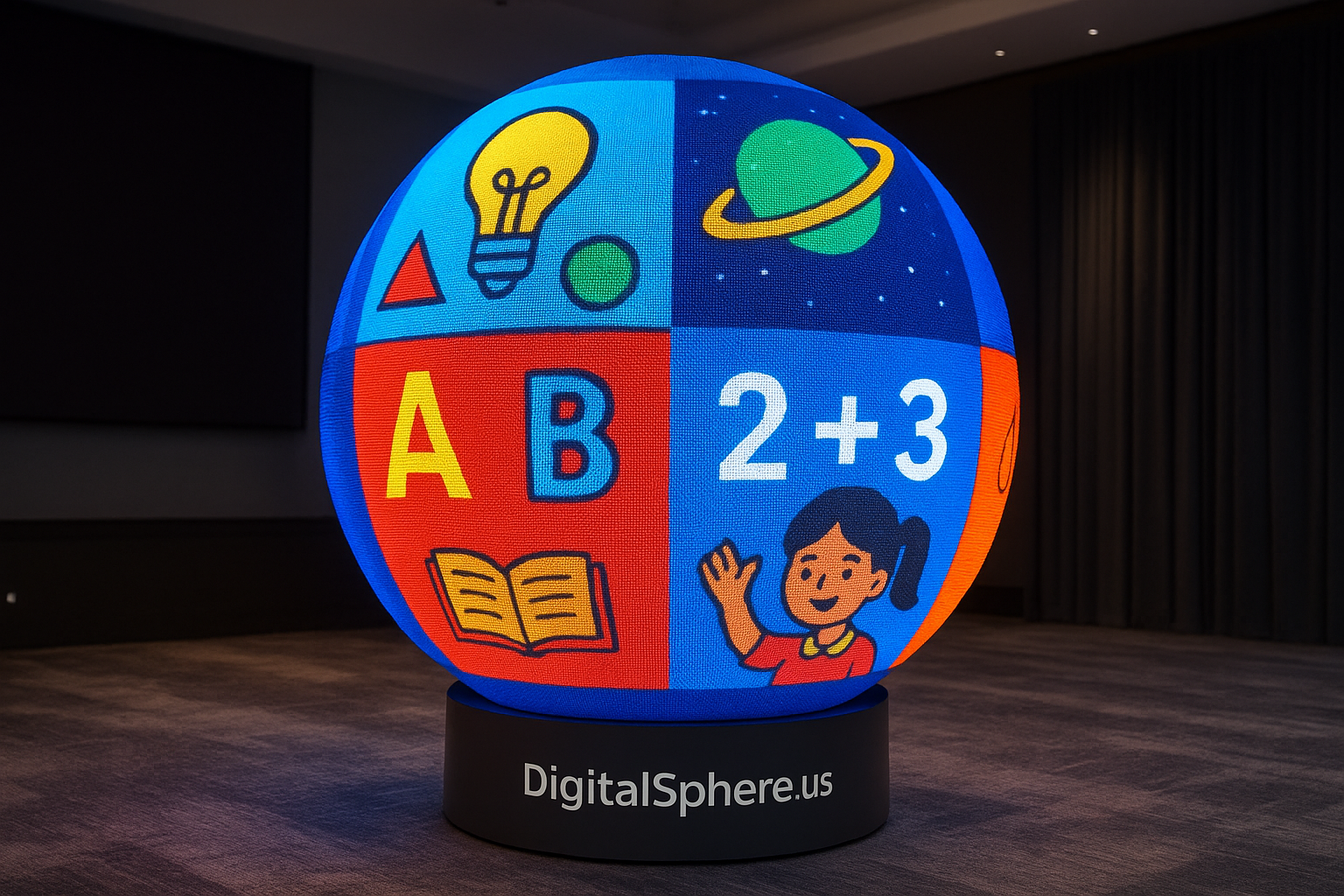
    Commercial LED digital sphere display showing vibrant educational and interactive content in a premium event space, featuring subtle DigitalSphere.us branding

    Best Content for Digital Sphere Displays: Captivating Visuals for Immersive Experiences

    As the world of visual technology evolves, the Best Content for Digital Sphere Displays continues to engage audiences with unforgettable immersive experiences. Whether installed in museums, classrooms, event venues, or corporate lobbies, these spherical LED displays offer a unique platform for storytelling, education, and branding. By mastering the art of content creation specifically for digital spheres, you can maximize the impact of your investment and deliver truly awe-inspiring experiences. DigitalSphere.us is here to guide you through the best content options, examples, and strategies to ensure your sphere display stands out.

    What Makes Digital Sphere Displays Unique?

    Digital sphere displays—such as LED spheres, interactive globe displays, and immersive educational spheres—offer a 360-degree canvas for visualization. Unlike traditional flat screens, content must be designed or adapted to function effectively across a curved and seamless surface. This opens the door for innovative storytelling and richer audience engagement in venues ranging from science centers to trade shows.

    • Multiple audience vantage points at once
    • Interactive touch and gesture support
    • Visually striking from any angle

    Best Content for Digital Sphere Displays: Key Ideas and Examples

    To take full advantage of your digital sphere or LED sphere, focus on content that naturally complements the spherical form and captivates viewers. Here are the top categories and inspiring examples that shine on DigitalSphere.us solutions:

    1. Dynamic Earth and Space Visualizations

    Animated globes remain a classic choice, displaying real-time weather, global data sets, satellite imagery, and astronomy simulations. These visuals are ideal for educational spheres in museums and classrooms, as well as corporate science communications. For more inspiration, see projects by SSI Displays, a leader in immersive globe displays.

    2. Data-driven Storytelling & Infographics

    Leverage your sphere to present complex data—such as population trends, climate change, or global logistics—transformed into 360-degree infographics. This is especially impactful in educational, museum, and corporate environments where data immersion enhances comprehension.

    3. Artistic Animation & Digital Art Showcases

    The unique surface of a digital sphere allows artists to create mesmerizing looping visuals, generative art, and interactive installations. Event planners and rental clients can use this medium for vibrant branding displays or experiential activations.

    4. Branded Experiences & Event Spheres

    Companies and organizations can animate their logos, mission statements, or product launches with custom 3D visuals that wrap around the sphere. DigitalSphere.us rental spheres make any event unforgettable with tailored branded content that attracts attention.

    5. STEM Education & Interactive Quizzes

    Empower participatory learning with quizzes, time-lapse visualizations, and interactive modules. Students and visitors engage directly with educational content, making learning dynamic and memorable.

    Creating Immersive Experiences: Best Practices

    Designing Content for a Spherical Display

    • Optimize for the Sphere: Use mapping techniques (like equirectangular projection) to ensure your content doesn’t distort.
    • Keep Content Moving: Attention-grabbing motion, slow pans, and smooth transitions work best for continuous impact.
    • Use Bold Colors & High Contrast: Vibrant colors pop on LED technology and are visible from afar.
    • Balance Information Density: Avoid overcrowding. Let viewers digest content as it rotates into view.
    • Test Across Viewing Angles: Preview your visuals from multiple positions to ensure consistent quality.

    Harnessing Interactivity

    For educational spheres or museum installations, interactive features allow audiences to control what’s displayed or explore content via touch, motion, or external devices. This transforms passive viewing into memorable hands-on engagement.

    Content Ideas for Different Venues

    • Museums & Science Centers: Global ecosystem tours, historical time lapses, earthquake visualizations, and simulated planetary journeys.
    • School Classrooms & Universities: Real-time weather, molecular models, geography games, and curriculum support modules.
    • Corporate Lobbies: Brand story displays, company impact data, global client maps, and welcoming animations.
    • Trade Shows & Conferences: Attention-grabbing promo loops, interactive product demos, tech showcases, and sponsor visualizations.

    Technical Requirements for Spherical Content

    To achieve the best results with your digital sphere system from DigitalSphere.us, ensure your content meets these technical guidelines:

    • Resolution customized to your sphere size and pixel pitch
    • Seamless horizontal and vertical looping for animations
    • Use of PNGs with transparency and MP4 for video when possible
    • Audio integration for spheres with built-in speakers

    Not sure where to start? DigitalSphere.us provides custom content development alongside our display solutions, ensuring your visuals look perfect and maximize audience engagement.

    FAQ: Best Content for Digital Sphere Displays

    What type of content works best for LED sphere displays?

    Content that uses global data, animated journeys, or striking digital art works especially well. Anything that leverages the sphere’s unique perspective—like Earth science visualizations, interactive quizzes, and branded animations—creates a memorable impression.

    Can I use traditional flat video content on a sphere?

    Flat videos often need to be reformatted or projected properly onto a sphere. Equirectangular projection is most commonly used, and DigitalSphere.us provides support for content mapping to ensure clarity and consistency on your display.

    Is interactive content possible on a digital sphere display?

    Absolutely! Interactive spheres can be equipped with touch or gesture controls, allowing viewers to navigate content, trigger animations, or explore data sets hands-on. This is highly effective for learning environments and experiential marketing.

    Can I rent a digital sphere for a specific event?

    Yes, DigitalSphere.us offers turnkey rental spheres for events, trade shows, exhibitions, and branded pop-up activations. These can be preloaded with custom content to match your theme or marketing objectives.

    Conclusion and Next Steps

    The best content for digital sphere displays brings stories to life, empowers learning, and elevates any environment into an immersive destination. Whether you are looking to educate, brand, or entertain, focusing on content designed specifically for spherical visualization will give you the competitive edge. Looking for a custom LED sphere, interactive educational globe, or rental solution for your next project? Contact DigitalSphere.us today to explore our industry-leading offerings and content development services. Transform your space—capture every eye, spark every mind.